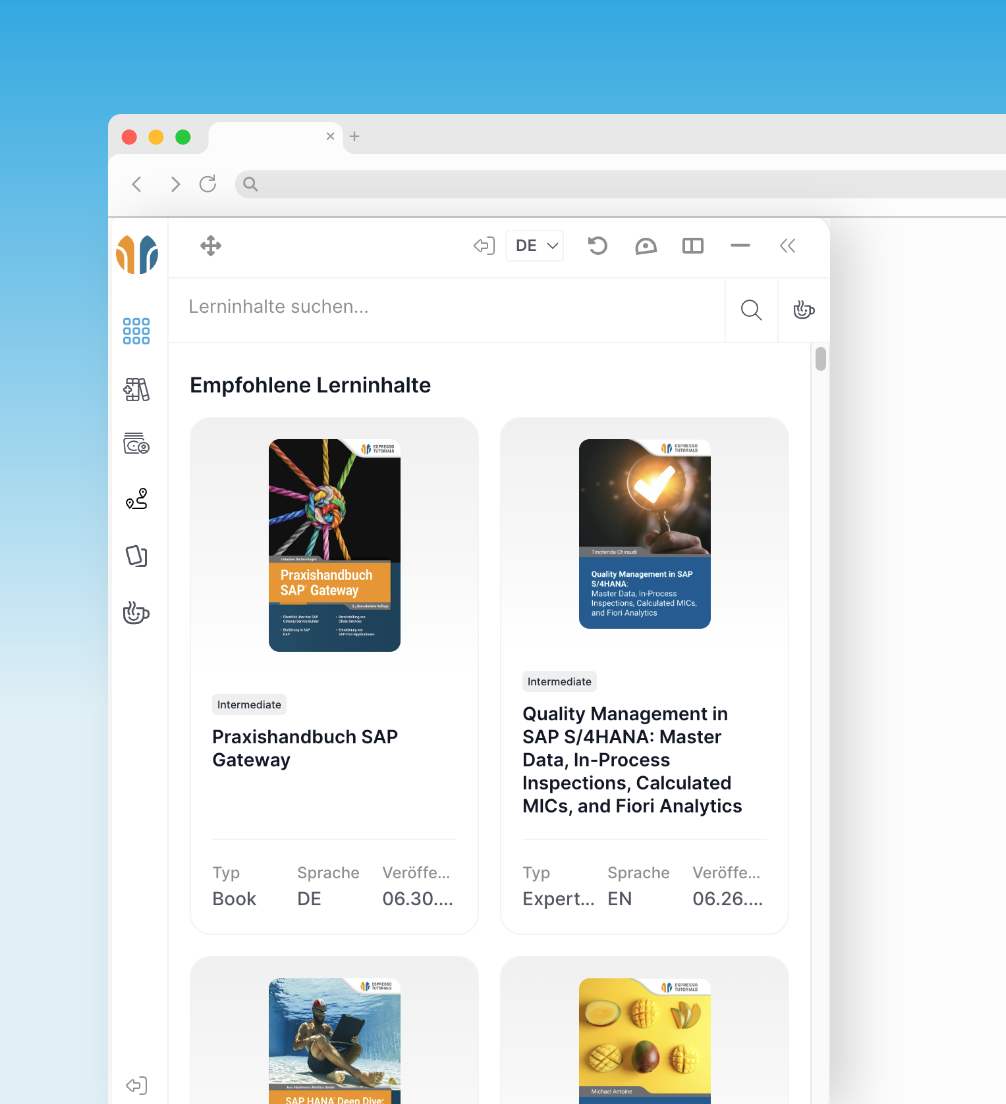
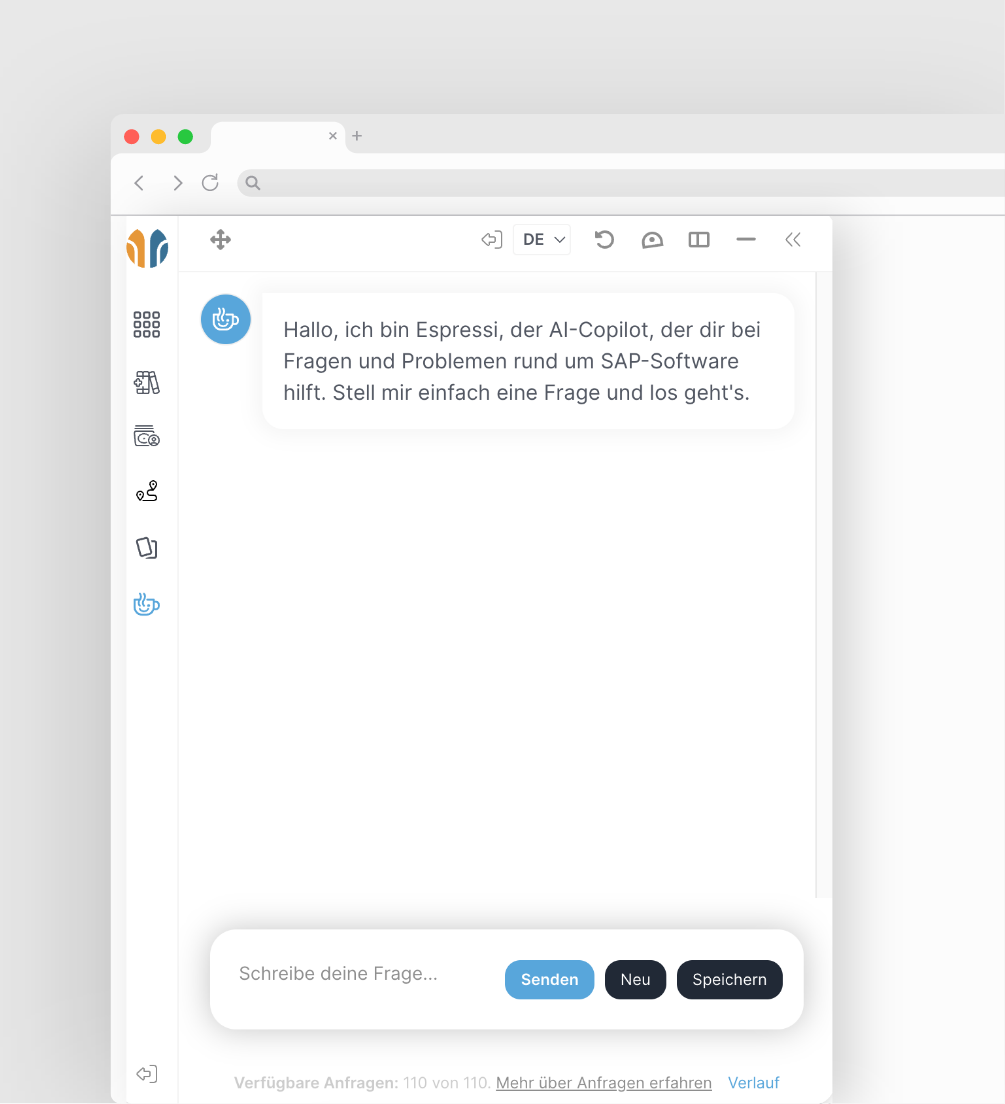
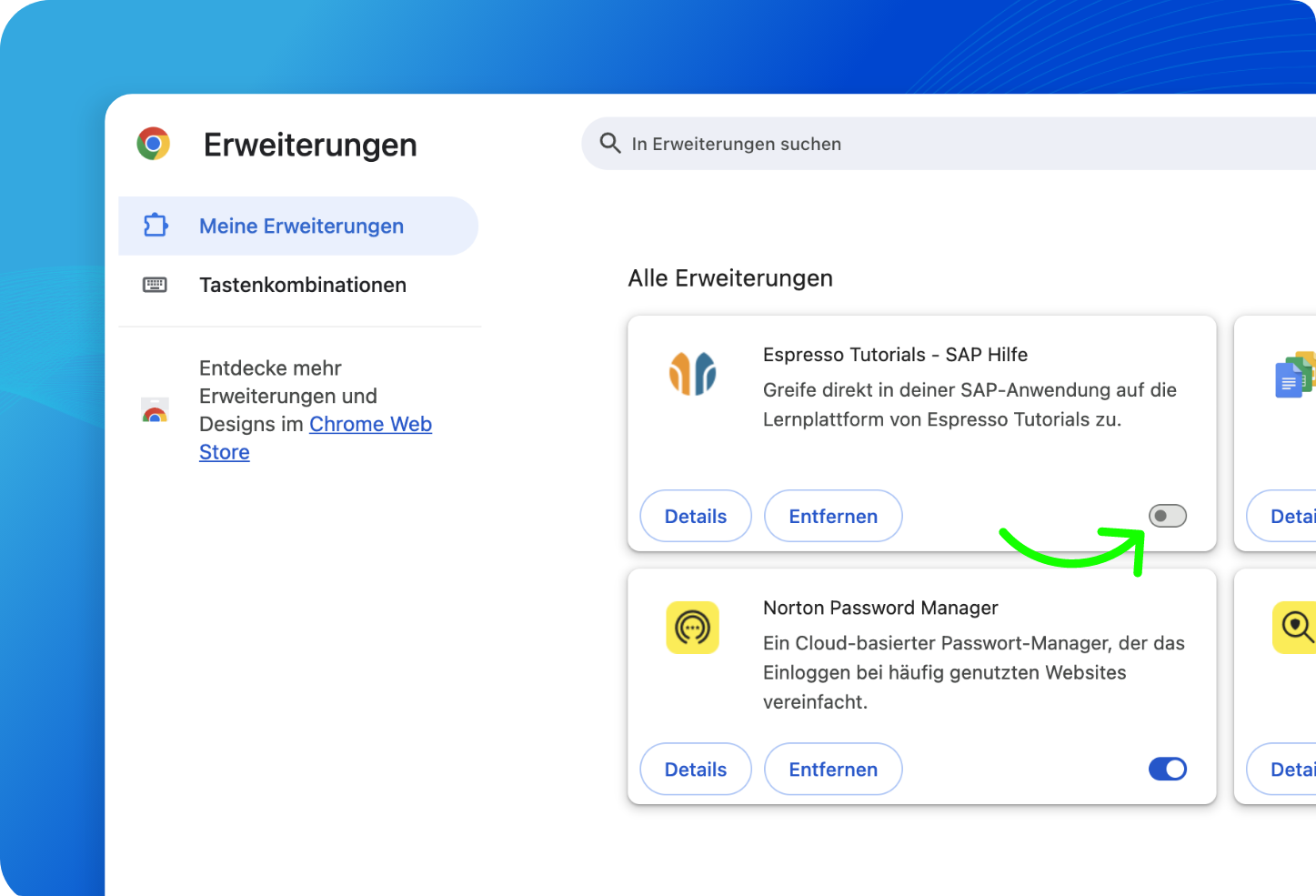
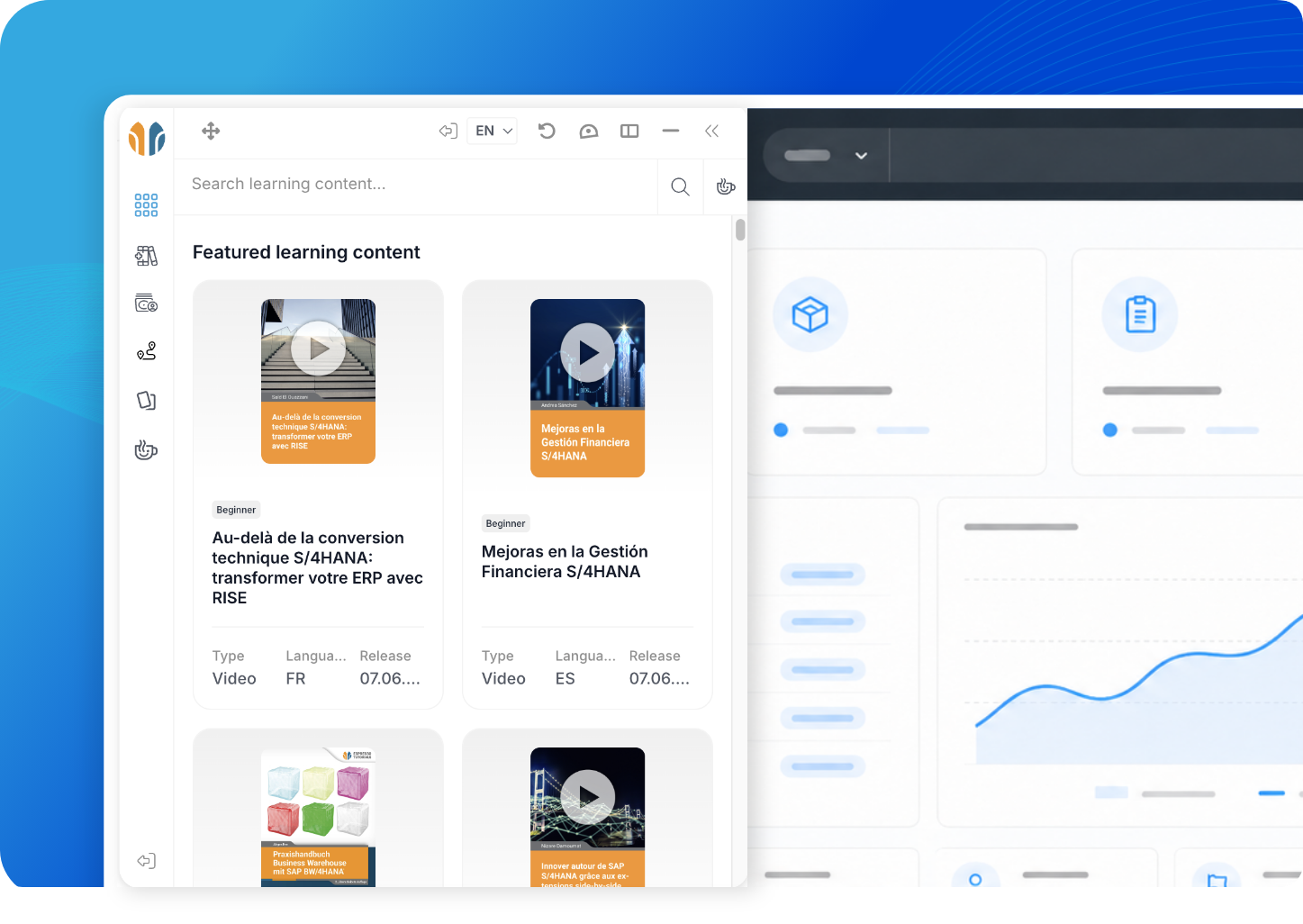
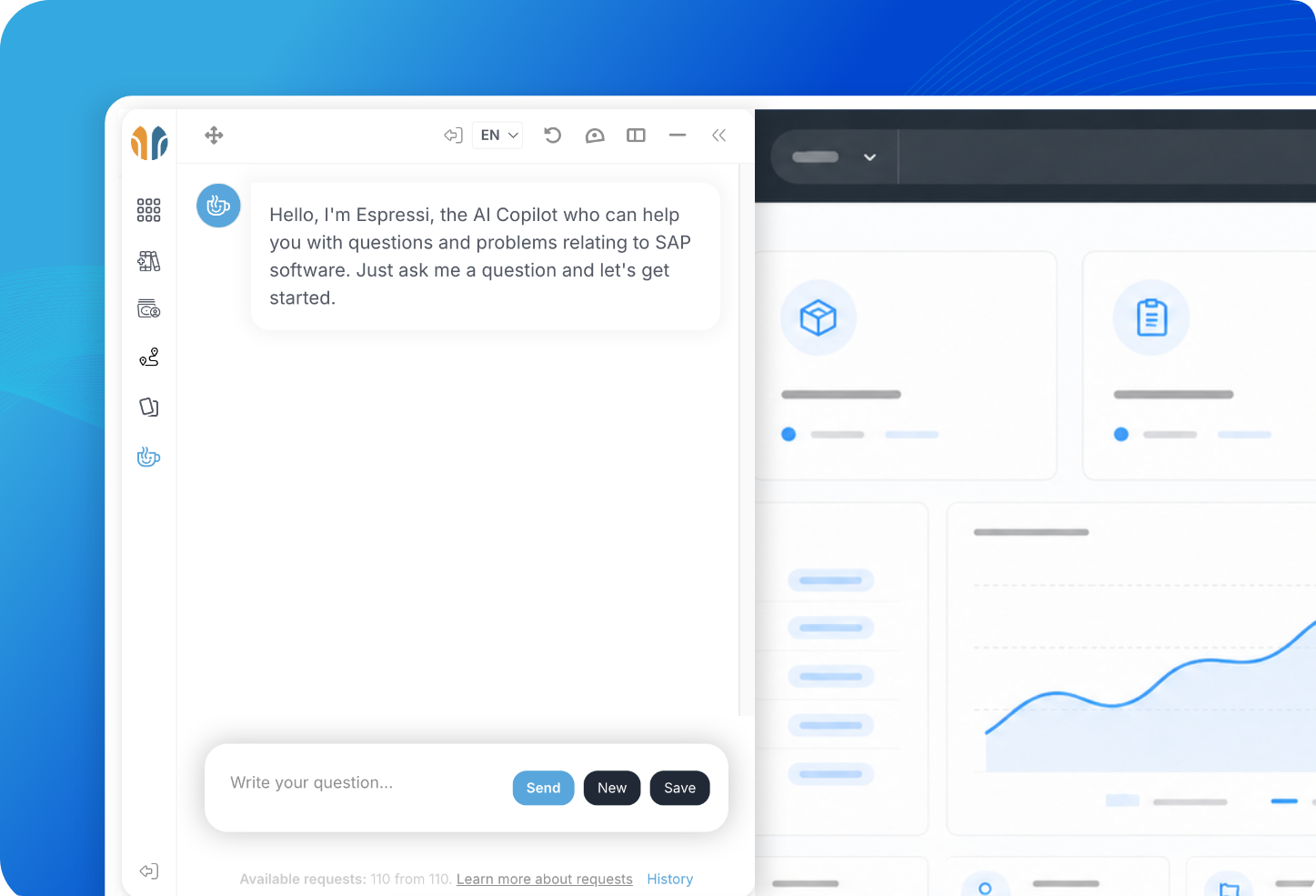
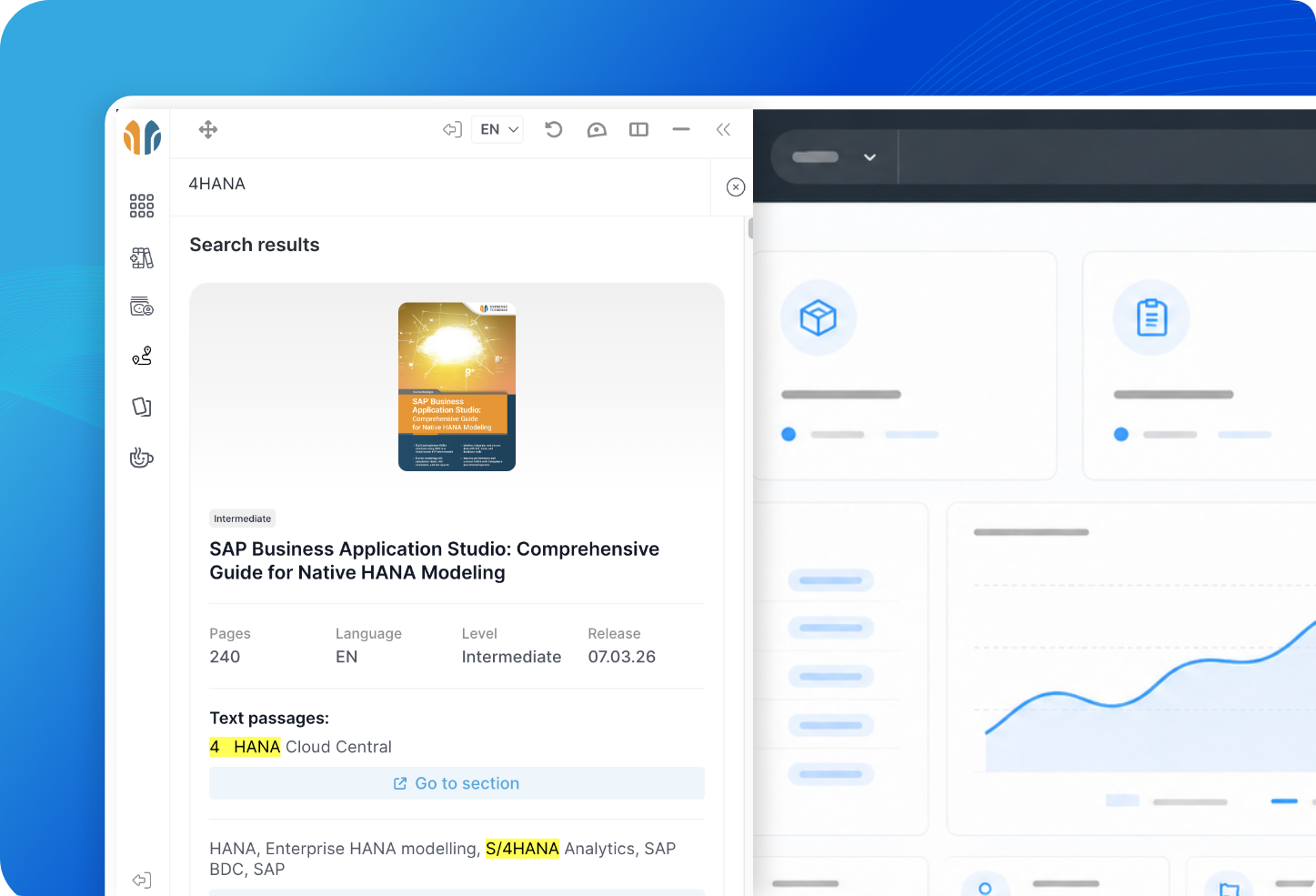
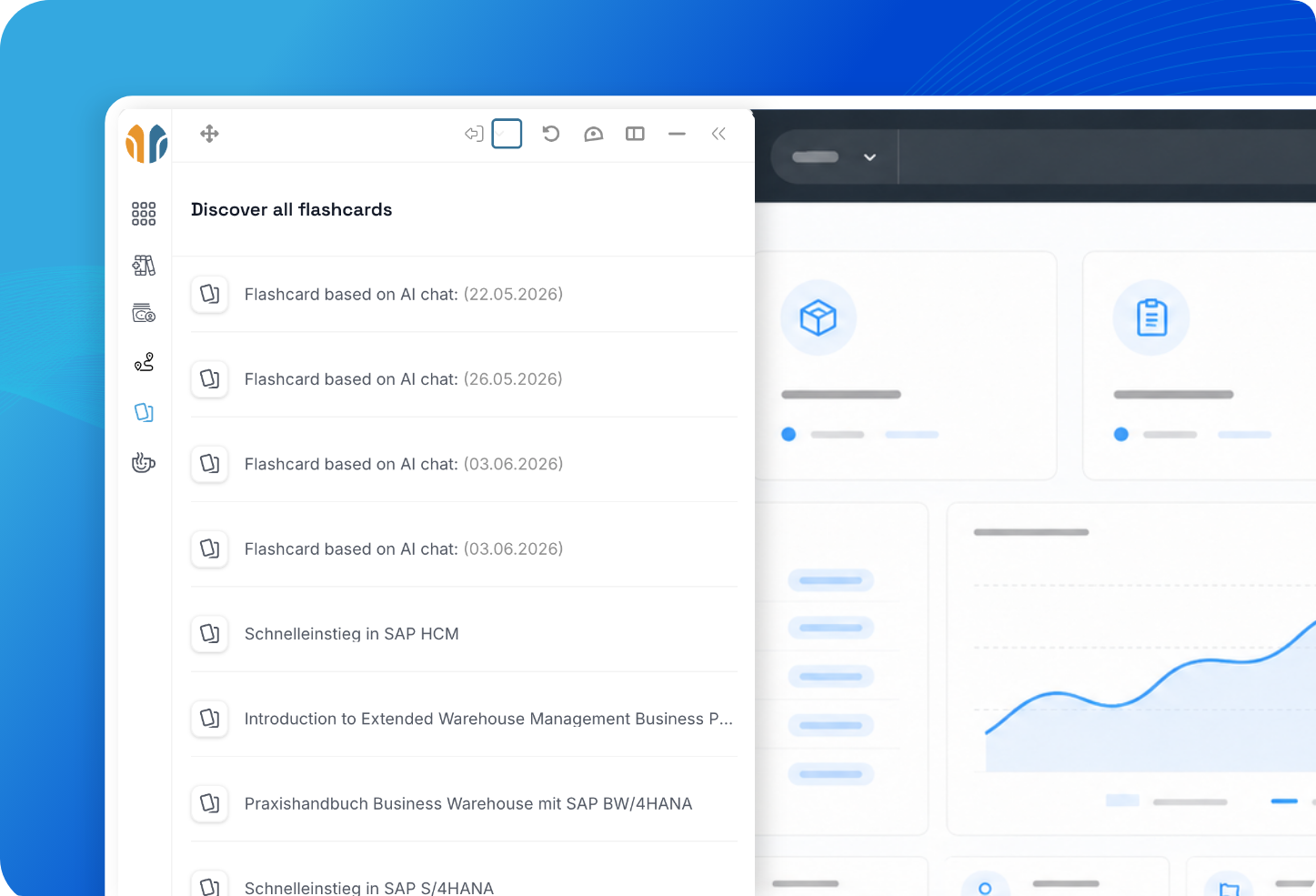
The Espresso Tutorials browser extension is available for Google Chrome and Microsoft Edge. It can be installed directly from the relevant browser store and then connected to your Espresso Tutorials account.
Our knowledge directly in your
browser and SAP software
Enjoy quick access to our learning content and Espressi AI via our Google Chrome and Microsoft Edge browser extension.


How does it work?
You can now access our learning content and our SAP AI copilot, Espressi, directly in your browser. Our browser extension installs with a single click and is ready to use right away.
Slide 2 von 3: 2. Active the Extension
What are the benefits?
Exclusive SAP knowledge always at your fingertips
Our browser extension provides you with essential features to quickly resolve your SAP issues in your day-to-day work and always find the right learning content.
Features
- Detects SAP system
- Detects Fiori ID
- Content provided
- Private and Public Cloud

Context sensitive
Recommendations for learning content and context for AI copilot are provided based on the SAP system and Fiori app you are currently have open.
Features
- Daily Problem Solver
- Development Assistant
- Fast and Reliable
- Clear Source Citations
- Secure and Compliant with Data Protection Regulations

Verified sources for reliable answers
Based on our diverse learning content, Espressi understands your problem and can quickly offer a solution to a wide range of topics.
Features
- Access to all learning materials
- Context-Sensitive Search
- +1000 learning materials
- Multilingual

Content search
With our intelligent search function, you can quickly and easy find the learning content you need.
Features
- Generate based on the learning content
- Quick Learning Sessions
- Available on the learning platform and as a browser extension

Consolidate Knowledge in a Targeted Way
Review key terms and concepts using digital flashcards and reinforce what you've learned for the long term.
Features
- PDF, Video, SCROM and more
- Direct access
- Based on context
- Available where you need it

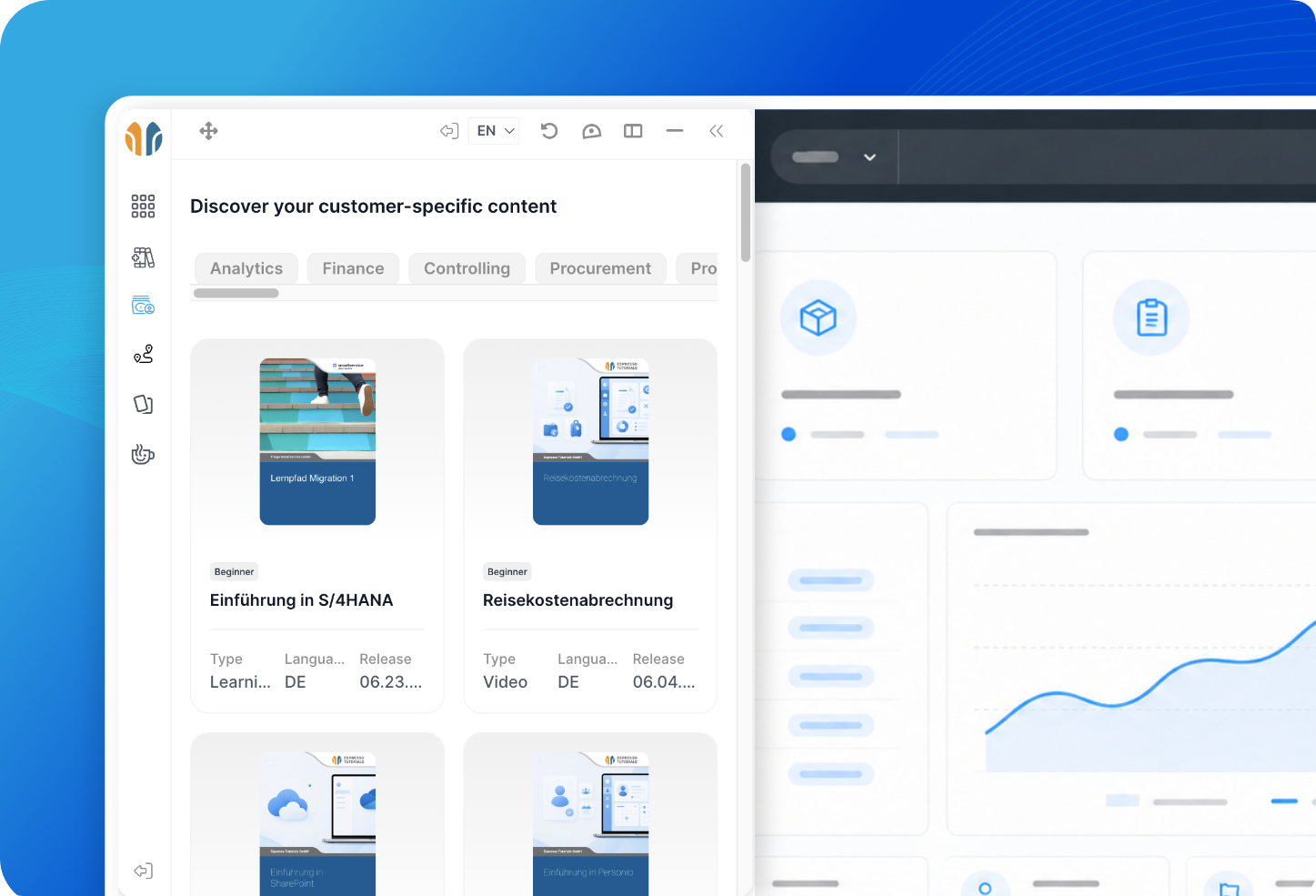
Company-specific content
Your company's own learning content is always available directly in your SAP software.
Testimonial
“Espresso Tutorials is invaluable for our consultancy business, as consultants are always in need of new knowledge. The information is condensed and served up succinctly! Perfect for our jobs!”

Michael Bloß
Partner at adesso orange AG
The browser extension is available with the Silver, Gold, and Platinum subscription plans.
The available features may vary depending on your subscription and the functions enabled for your company.
The browser extension supports you directly during your daily work with SAP. Among other things, you can:
- access relevant learning content,
- receive context-based recommendations for SAP systems and Fiori apps,
- access your company’s own learning content,
- view your personal learning plans,
- open and review flashcards,
- use the Espressi AI chatbot for context-based assistance.
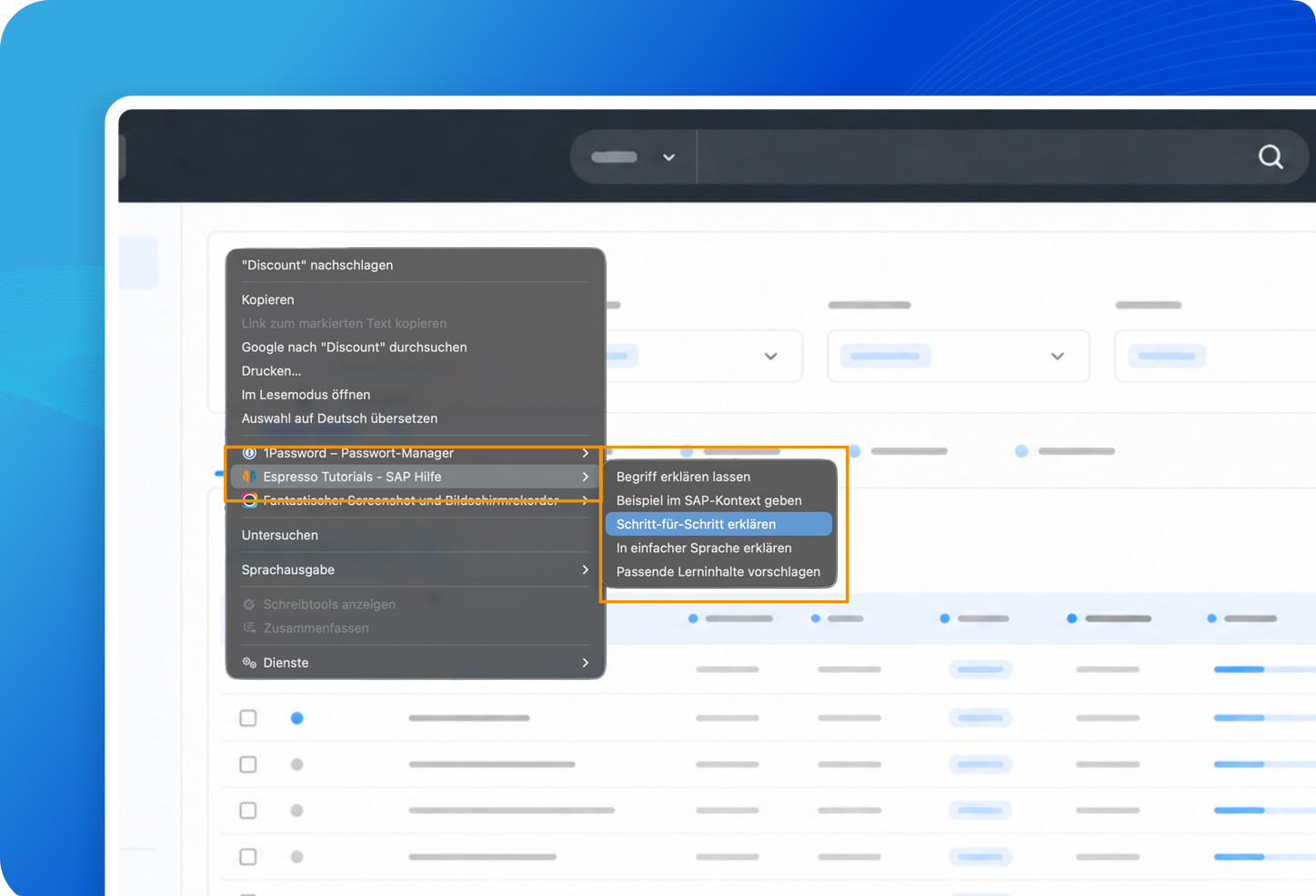
A context menu is also available within supported SAP applications. You can use it to request explanations of selected terms, generate step-by-step instructions, simplify complex information, or find suitable learning content.
The browser extension recognizes supported SAP systems and Fiori apps currently open in your browser. Based on this application context, it recommends relevant learning content.
The detected context can also be provided to Espressi AI. This allows the AI to tailor its answers more closely to the SAP system or Fiori app you are currently using.
As a result, you do not have to explain the application and business context in detail every time you ask a question.
The context menu allows you to send selected terms or content directly to Espressi AI. You can then, for example:
- request an explanation of a term,
- generate step-by-step instructions,
- have a topic explained in simple language,
- find relevant learning content.
This gives you support exactly where a question arises during your work.
The context-based features support the following SAP solutions, among others:
- SAP S/4HANA Cloud, Public Edition
- SAP S/4HANA Cloud, Private Edition
- SAP SuccessFactors
- SAP Ariba
- SAP Fieldglass
- SAP Analytics Cloud
- SAP Business Network
The available functionality may vary depending on the SAP solution, application, and technical environment.
The browser extension is suitable for all levels of experience, from SAP beginners to experienced developers, consultants, and users.
It supports both the quick resolution of specific questions and the structured learning of complex topics. Because assistance is available directly in the browser and within your daily SAP workflow, learning and practical application can be closely connected.
You can sign in using your regular Espresso Tutorials or learning platform credentials. A separate account for the browser extension is not required.
The available features and content depend on your subscription and the permissions assigned to your user account.
Your inputs are not permanently stored by our AI and are not used to train AI models. Your request are just stored at our database for your personal use at our EU based servers. Personal and sensitive information, such as email addresses, IBANs, or similar details, is automatically masked before processing and is not transmitted to the AI model in its original form.
Nevertheless, do not enter confidential, personal, or business-critical information unless this is expressly permitted. Before submitting any information, check that its use complies with your company’s data protection requirements and internal AI policies.
To the extent permitted by law, Espresso Tutorials accepts no liability for violations resulting from unauthorized inputs or from the unchecked use of AI-generated content.

Yes. If your company provides its own learning content through the learning platform, this content can also be displayed in the browser extension.
This gives employees access not only to Espresso Tutorials content but also to company-specific instructions, training materials, and learning resources.
Yes. Your personal learning objectives can be displayed directly in the browser extension. This allows you to keep track of your current learning tasks and open the relevant content immediately.
Yes. You can open and review your flashcards directly through the browser extension. This makes it easy to regularly repeat and reinforce important terms and concepts during your working day.
With a traditional search, you first have to describe which SAP system and application you are using. You then need to review different results and identify the most relevant content yourself.
The browser extension recognizes the current application context and can therefore provide more targeted learning content and assistance. This reduces search time and brings the required knowledge directly into your workflow.
Companies can generally distribute the browser extension centrally using the available management features for Google Chrome or Microsoft Edge.
The exact setup and deployment process depends on your company’s IT environment and internal policies. For a company-wide rollout, please contact your IT department or our team.
You use your Espresso Tutorials account to sign in to the browser extension. Your existing SAP accounts and SAP permissions remain separate.
The information and applications you can access within your SAP system continue to depend on the permissions assigned to you by your company.
The browser extension accesses only the information required to identify the SAP system, application, and, where applicable, the Fiori app currently being used. It does not read, process, or store internal company content or business data from the SAP system.
Information that you submit directly to Espressi AI is not used to train AI models. Where detected, sensitive or personal information is masked and anonymized before it is sent to the AI language model.
You should nevertheless review your input carefully and avoid entering confidential or business-critical information unless this is expressly permitted by your company’s policies.
We need the following data:
Customized offer for our SAP Learning Platform
Contact us and get a customized quote.
Immediate offer
Receive a quote within minutes.
Free trial
Free 14-day trial for up to 10 users.
Contact us

Let me help you
I would be happy to provide you with more detailed information about our digital subscription offers and the SAP Learning Platform. Contact me for tailored solutions for your learning needs and to start planning the next step in your SAP training journey.
Jörg Siebert
CEO & Founder